TT WooCommerce Catalog
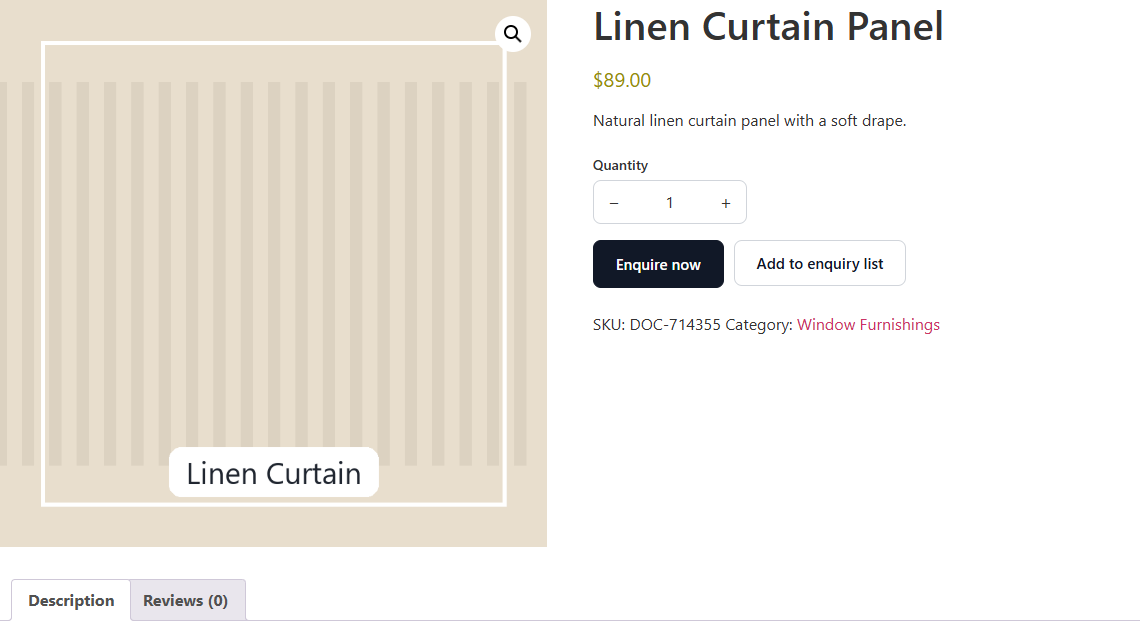
TT WooCommerce Catalog puts WooCommerce products into catalog mode: customers can browse them, but cannot add them to the cart or buy them. Instead they can send an enquiry. Catalog mode is enforced on the server, not just hidden in the page.
What you can do
Choose what is not for saleAll products, or selected products and categories, with exclusions.
Choose who sees itEveryone, guests only, or chosen roles and customers. Basic
Hide pricesRemove prices from catalog products.
Collect enquiriesA product enquiry form and an enquiry list. Basic
Match your brandColours, shapes and texts with a live preview. Basic
Rely on itEvery add-to-cart and checkout path is checked on the server.
Where to find it
Everything lives under TT Catalog in wp-admin, in five tabs.
| Tab | Use it to |
|---|---|
| Catalog Mode | See the current status and choose products, exclusions, customers and price hiding. |
| Enquiry Settings | Turn enquiries on, choose the form and where enquiries are sent. |
| Global Design | Style the storefront enquiry form, list and buttons. |
| Enquiries | Read and delete enquiries sent with the built-in form. |
| License | Activate a license and compare plans. |