Global Design Basic
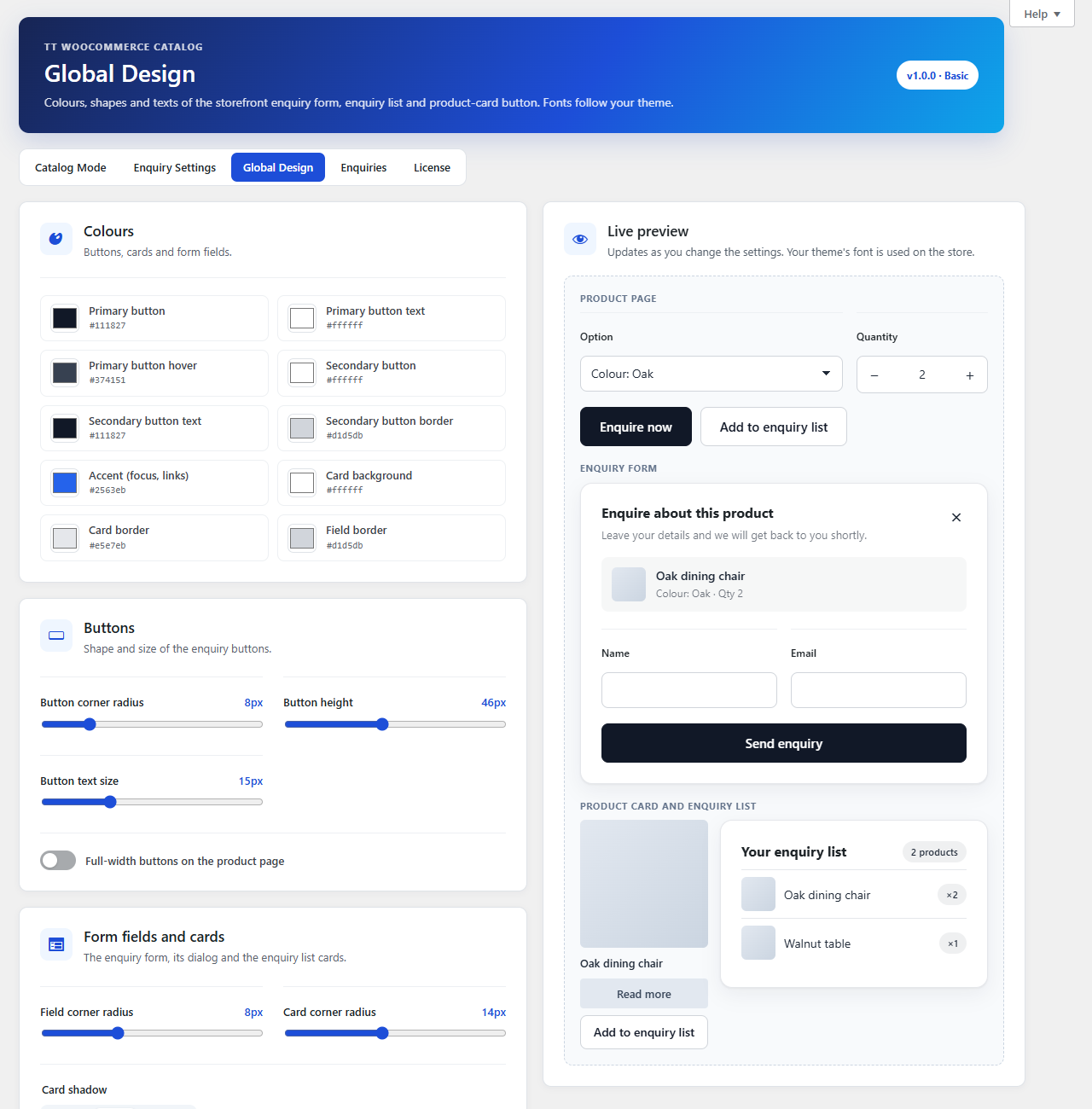
Global Design styles the enquiry form, the enquiry list and the product-card button. Fonts follow your theme. A live preview updates as you change settings.
Colours
Primary button, its text and hover colour; secondary button, its text and border; accent (focus and links); card background and border; field border.
Buttons
Button corner radius, height and text size, and Full-width buttons on the product page.
Form fields and cards
Field and card corner radius, and card shadow (none, soft or strong).
Texts
The Enquire, Add to list and Send button labels, the form title and introduction, and the enquiry list title. Leave a text empty to use the default wording, translated with the site language.
Save or reset
Click Save Design, or Reset to defaults to return every design setting to the clean black-and-white default. Without a Basic license the current design stays in use but cannot be changed.