Settings
TT B2B Perks › Settings is split into modules. Select a module in the side menu to show it; on phones the menu becomes a strip at the top.
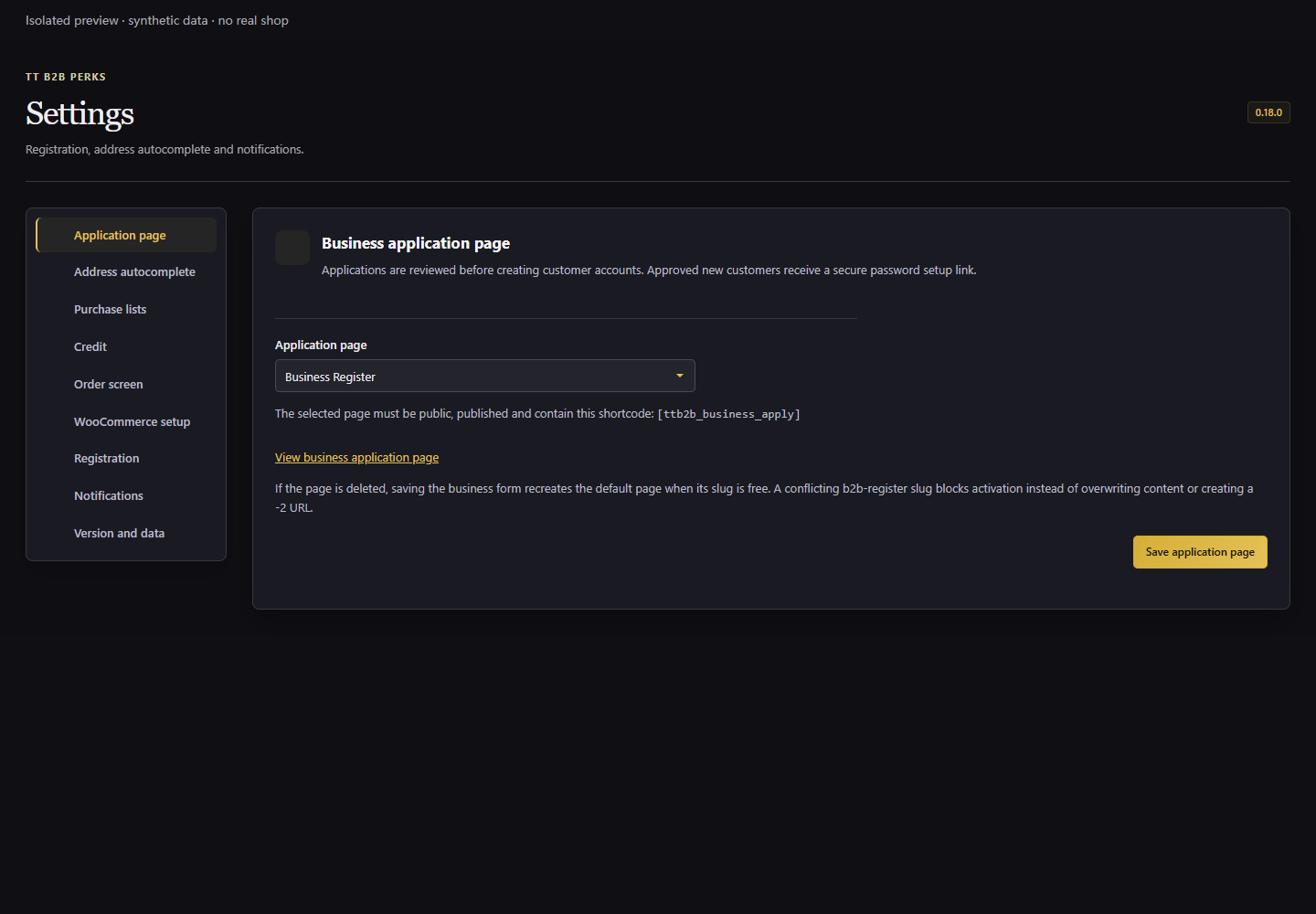
Business application page
Choose the public page that shows the business application form. It must be published, public and contain [ttb2b_business_apply]. Create / use default b2b-register page restores the default page. See Business application page.
Google address autocomplete
An optional Google Maps API key lets Address components suggest addresses while applicants type. Without a key, plain address fields are used.
- Enable Maps JavaScript API and Places API (New) for the key and restrict it to your website's address.
- The saved key is shown masked to its last four characters. Leaving the field empty keeps the saved key; the Remove switch clears it.
Invoices
Availability, delivery, payment terms and layout are on the Invoices page.
Packing slips
Manage the switch and template on the Packing Slips page.
Purchase lists
Show Purchase lists in My Account, on by default. See Purchase lists.
Credit
Allow orders beyond the credit limit, off by default. When on, customers whose own switch is also on can order past their limit. See Credit limits.
Order screen
Two switches for the WooCommerce order edit screen, both off by default:
- Restyle the WooCommerce order screen gives the order edit screen a light version of the plugin design: panels, item table, totals, notes, buttons and fields. Only the look changes; the order list and other screens are not affected. Free on every plan.
- Enable price adjustment on orders Basic adds the price adjustment buttons. See Order price adjustment.
WooCommerce setup
Two modules that change how WooCommerce itself behaves, both off by default:
- Hide product price & add to cart hides prices and blocks buying for all customers or for chosen user groups, with your own message. See Hide prices & add to cart.
- Back orders Advanced: Enable back order management turns on the Back Orders page, the dispatch box on the order screen and the customer email. See Back orders.
Version and data
Shows the plugin version and how plugin data is stored and kept.