Installation
Install Elementor first, then upload and activate TT Flux Addon.
Requirements
- WordPress 5.8 or later
- PHP 7.4 or later
- Elementor 3.18 or later (the free version is enough)
- WooCommerce, only for the TT Products widget
- A Google Maps API key, only for TT Map and address autocomplete in TT Earnings Estimator
Install the plugin
- In wp-admin open Plugins › Add New › Upload Plugin.
- Choose the plugin zip file and click Install Now.
- Click Activate. If Elementor is missing, the plugin asks you to install and activate it first.
First steps
- Open TT Flux › Dashboard to check that the widgets are enabled.
- If you use maps, enter your key under TT Flux › Settings › Google API.
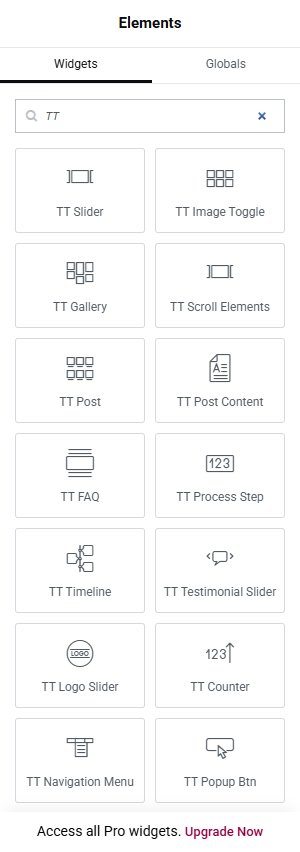
- Edit a page with Elementor and look for the TT Elements category in the widget panel, or search for "TT".
- To use popups or custom headers and footers, activate a Basic license.
Updating
Updating keeps your saved widget selection. On a fresh install every widget is enabled. On an existing site, widgets added in a new version start off; turn them on in Widget Manager.
If a page still shows old styles after an update, regenerate Elementor's CSS (Elementor › Tools › Regenerate CSS & Data) or re-save the page.