My Account sign-up
TT B2B Perks adds a User type choice to the native WooCommerce registration form, so new visitors can pick between an ordinary account and a business application.
How it works
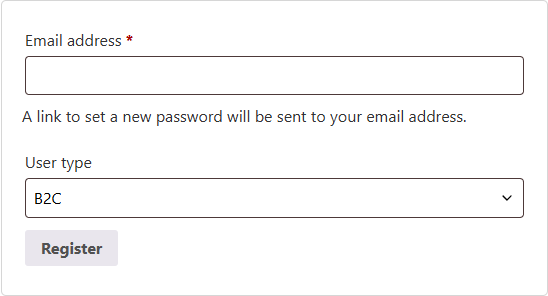
| Choice | Result |
|---|---|
| B2C (default) | The normal WooCommerce registration, plus any fields from the published B2C Form. |
| Business | The native fields and Register button are hidden. An explanation and a link to the business application page appear instead. |
Switching back to B2C restores the native fields with anything already typed. Without JavaScript a direct link to the application page is shown, and the server rejects any attempt to register as a business through the native form.
Turn the Business option on or off
In the B2B form settings, the switch Show Business application entry on create account controls the Business option. Publish the form for the change to take effect. The application page keeps working either way.
Requirements
The WooCommerce setting Accounts & Privacy › Allow customers to create an account on the "My account" page must be on. Checkout registration and third-party sign-in screens are not changed.