Customer Groups & Group discounts
With TT B2B Perks, bundles can be shown only to chosen customer Groups, and each Group can get its own discount value.
Before you start
Activate TT B2B Perks and turn on Enable TT B2B Perks compatibility mode in Settings. Without it, bundles are visible to everyone (after schedule checks) and use their default discount.
Customer Group Visibility
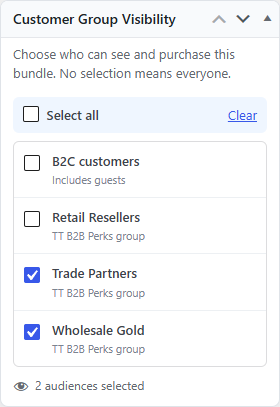
In the bundle editor, the Customer Group Visibility box lists B2C customers (which includes guests) and every TT B2B Perks Group. Tick who can see and buy the bundle; Select all and Clear help with long lists. No selection means everyone.
Group discounts
In Bundle Pricing & Schedule, switch on Group discounts and enter a value for any Group. The value uses the discount type above.
- Members of a Group with a value get that discount.
- Groups left empty, B2C customers and guests get the default discount value.
Working with TT B2B Perks prices
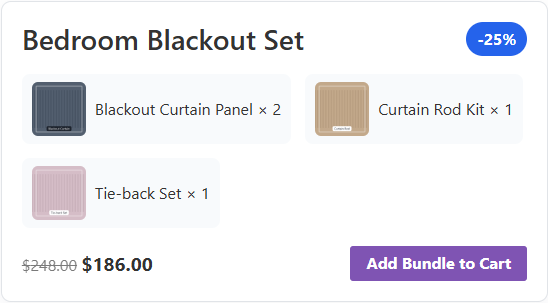
- Bundles are never discounted a second time by TT B2B Perks Group prices or Dynamic Discount rules.
- A bundle is shown only when every product in it is visible to the customer, including TT B2B Perks product visibility.