Installation
TT Product Addons is a WooCommerce extension. It needs no license.
Requirements
- WordPress 6.0 or later
- PHP 7.4 or later
- WooCommerce, active. Without it the plugin shows a notice and does nothing else.
- Works with WooCommerce's High-Performance Order Storage.
Install the plugin
- Make sure WooCommerce is active.
- In wp-admin open Plugins › Add New › Upload Plugin, choose the zip file and click Install Now, then Activate.
- Open TT Product Addons › Dashboard.
Dashboard
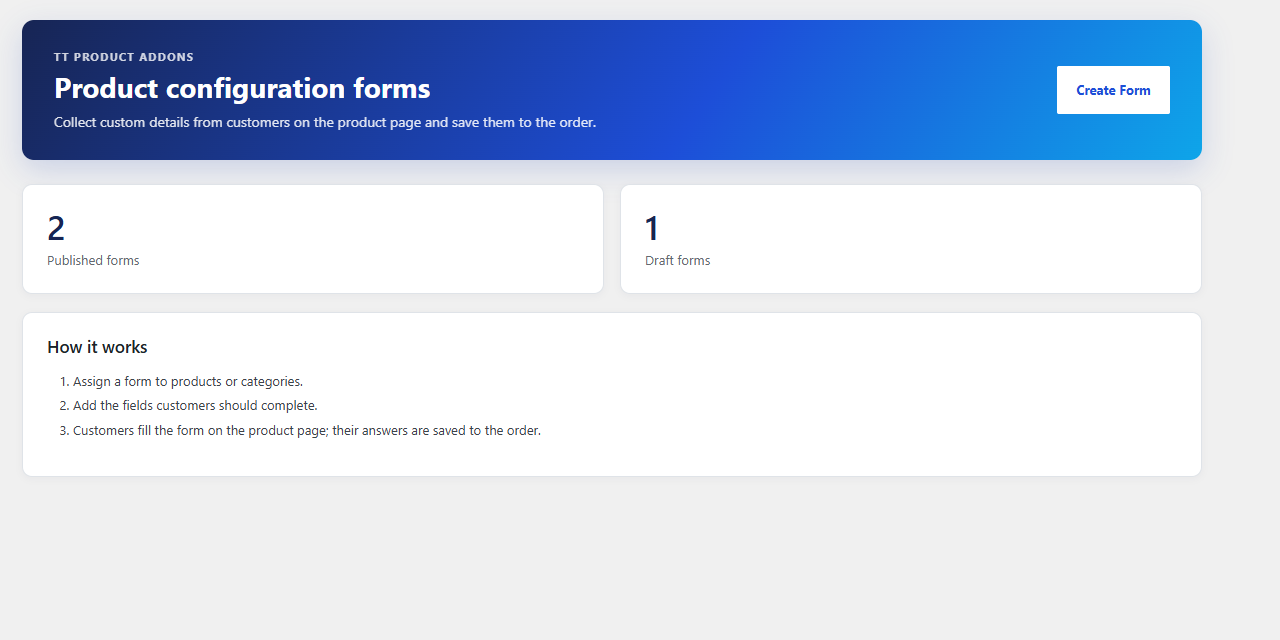
The Dashboard shows how many forms are published and in draft, a Create Form button and a short reminder of how it works.
Your first form
- Click Create Form (or TT Product Addons › Add New Form) and give the form a name.
- Add fields in the Form Fields box.
- Assign at least one product or category.
- Click Publish and open the product page to check the form.