客户分析(Customer Analytics)
Customer Analytics 把每位注册客户在多个会话中的浏览合并显示,不包含访客流量。
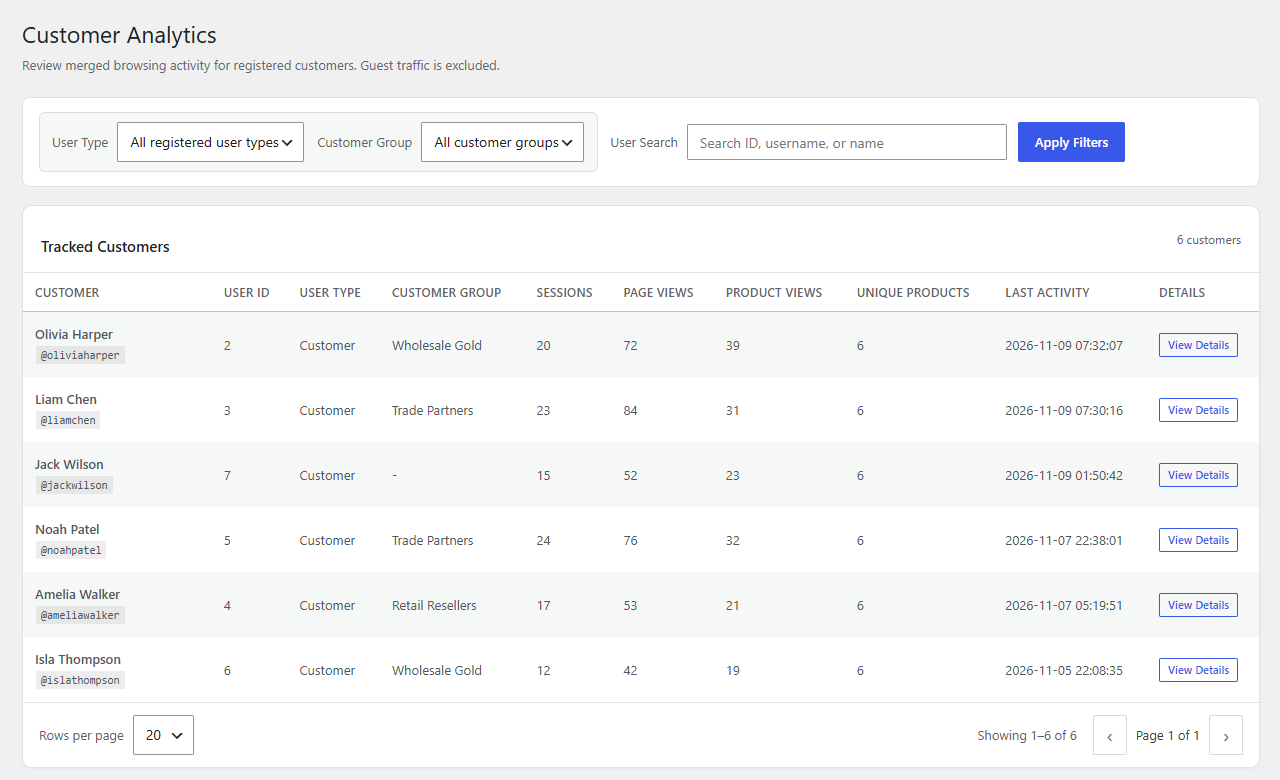
筛选
- User Type:某个 WordPress 角色,或全部注册用户类型。可选的角色在 Settings 中设置。
- User Search:按 ID、用户名或姓名搜索。
点击 Apply Filters。
按客户 Group 筛选
当 TT B2B Perks 已启用,并在 Settings 中勾选 Enable TT B2B Perks Integration 后,会出现 Customer Group 筛选和列,使用客户当前所在的 TT B2B Perks Group。
Tracked Customers
每位客户显示:用户 ID、用户类型、Group、会话数、页面浏览量、商品浏览量、浏览过的不同商品数和最后活动时间。点击 View Details 打开客户详情。
客户详情
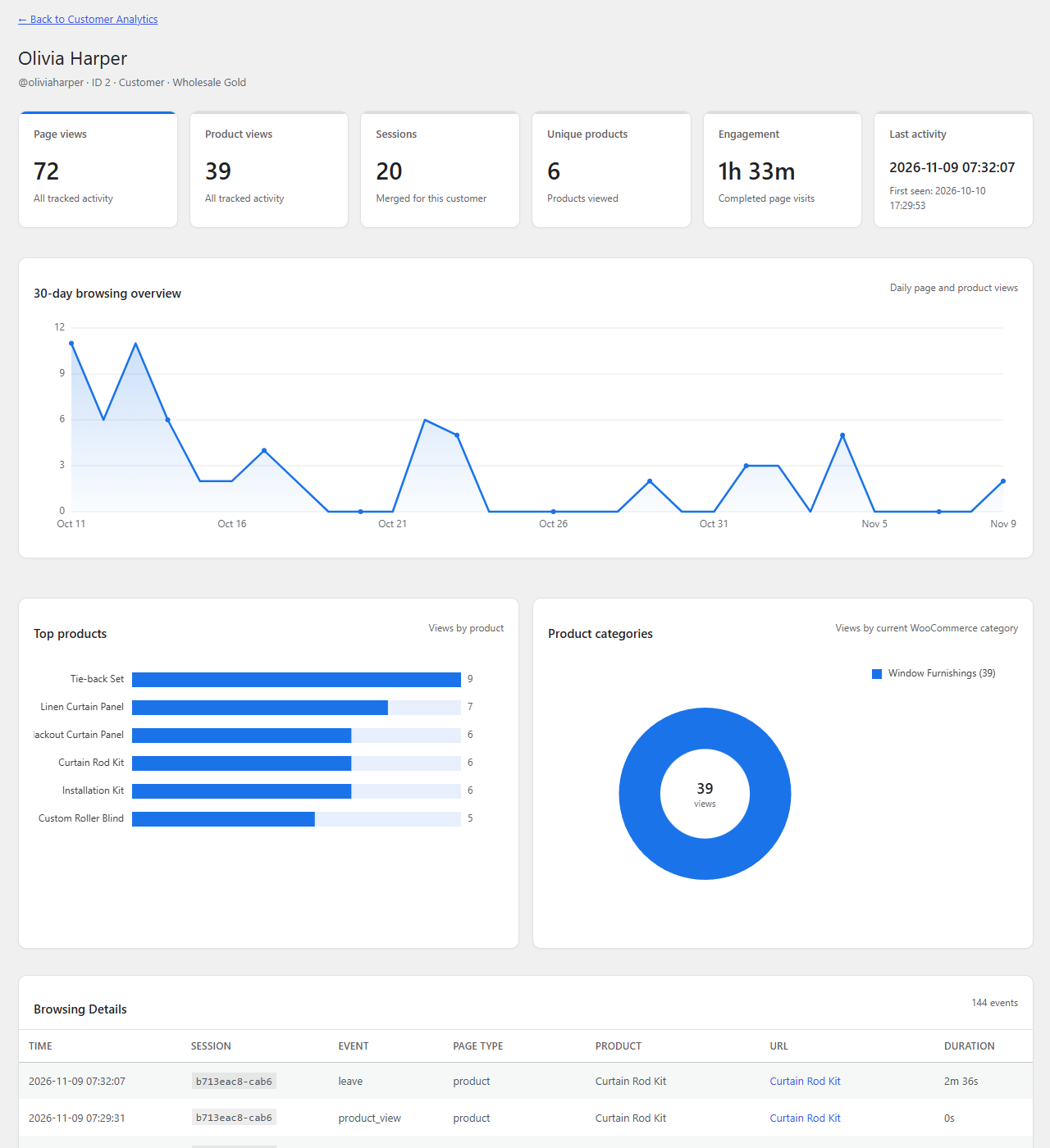
- 汇总:页面浏览量、商品浏览量、会话数、不同商品数、总停留时间、最后活动和首次出现时间。
- 30-day browsing overview:每天的页面和商品浏览量。
- 客户浏览最多的 Top products 和 Product categories。
- Browsing Details:每条记录的时间、会话、事件、页面类型、商品、页面链接和停留时长。
点击 Back to Customer Analytics 返回列表。