订单中的客户回答
回答随商品从购物车进入订单,以字段标签为名称保存在订单行上。
购物车与结账
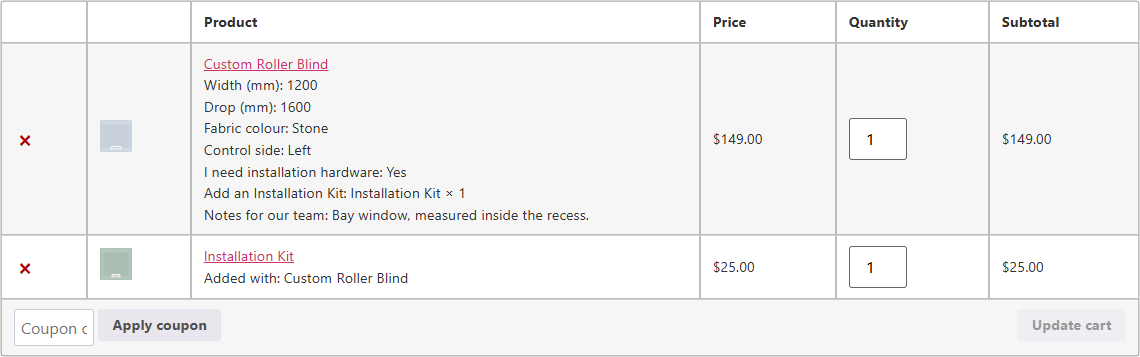
每个回答都列在商品名称下方:购物车、结账页、订单确认页、客户账户和订单邮件中都能看到。关联字段加入的商品显示为独立一行,标注 “Added with” 和主商品名称。
订单页面
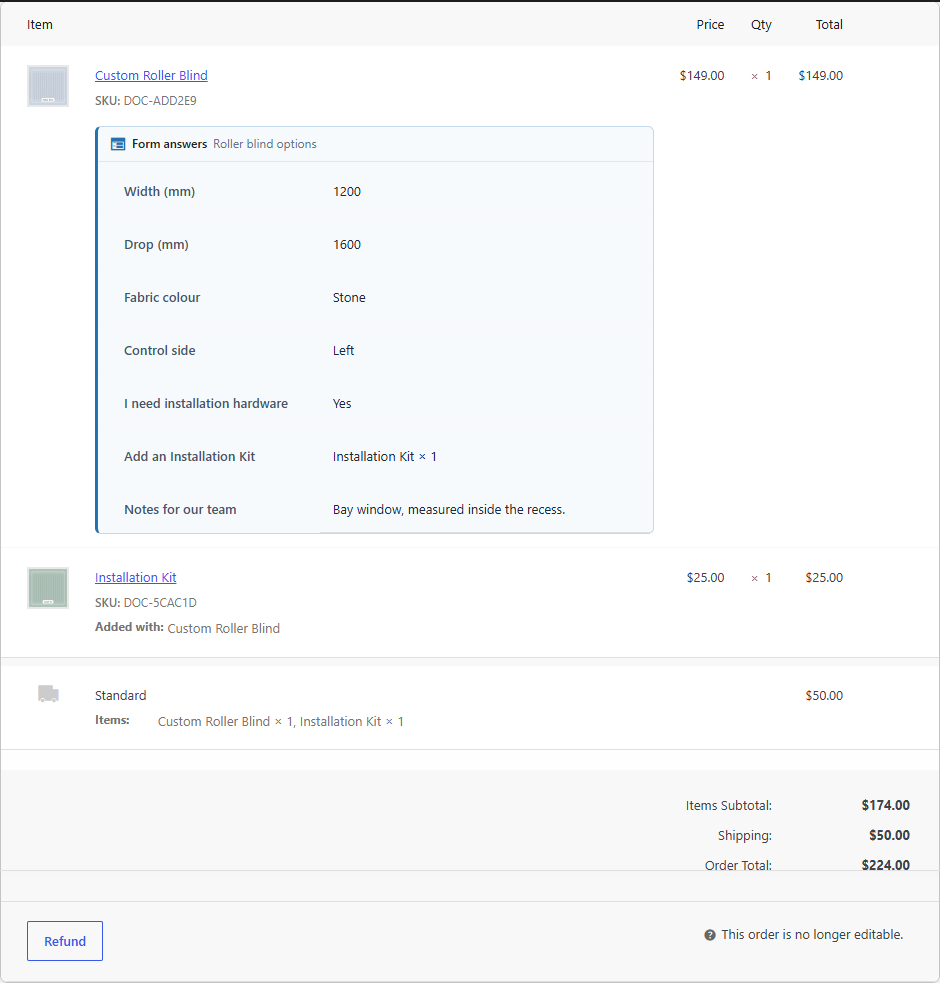
在 WooCommerce › Orders 打开订单,每个带配置的商品下方都有高亮的 Form answers 区块,显示表单名称和全部回答。
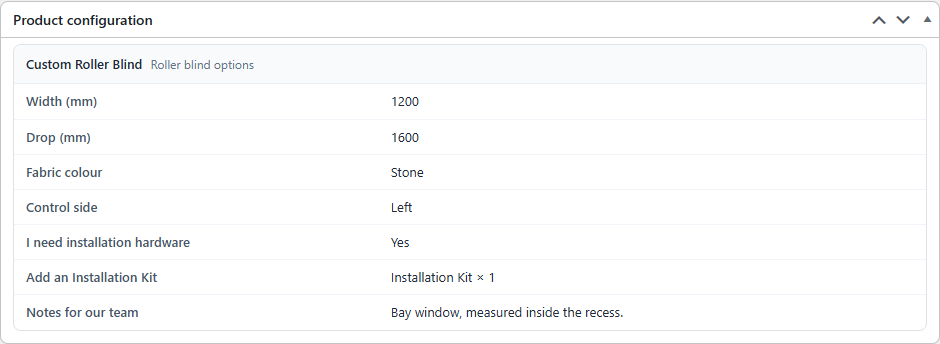
同一页面的 Product configuration 面板集中显示所有商品的回答。没有表单的订单显示 “No product configuration was submitted for this order.”。
订单列表
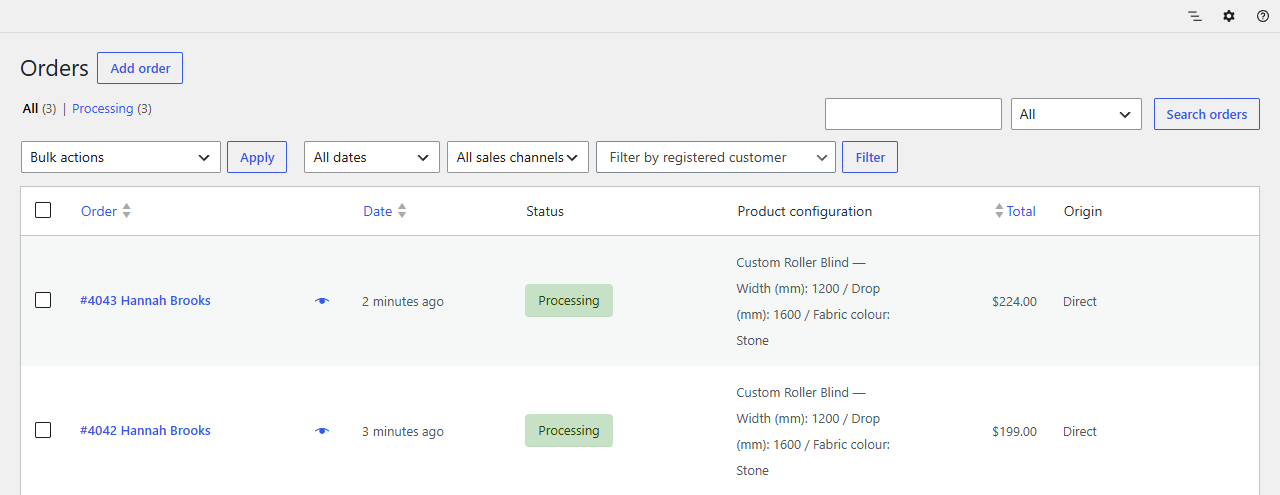
订单列表新增 Product configuration 列,汇总显示回答,不打开订单也能快速浏览。
回答是快照。每个订单保存结账时的表单名称和回答。之后修改或删除表单不会影响已有订单。