Customer answers in orders
Answers travel with the product from the cart to the order. They are stored on the order line under each field's label.
Cart and checkout
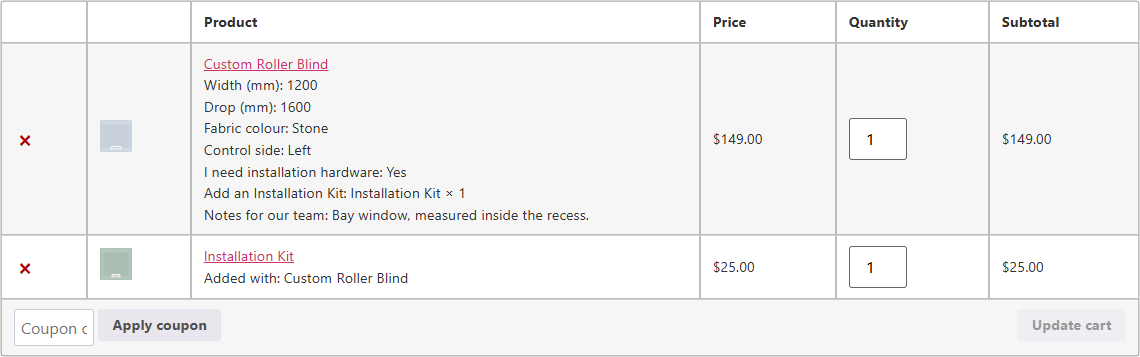
Each answer is listed under the product name in the cart, at checkout, on the order confirmation page, in the customer's account and in order emails. Products added by a related field appear as their own line with "Added with" and the main product's name.
The order screen
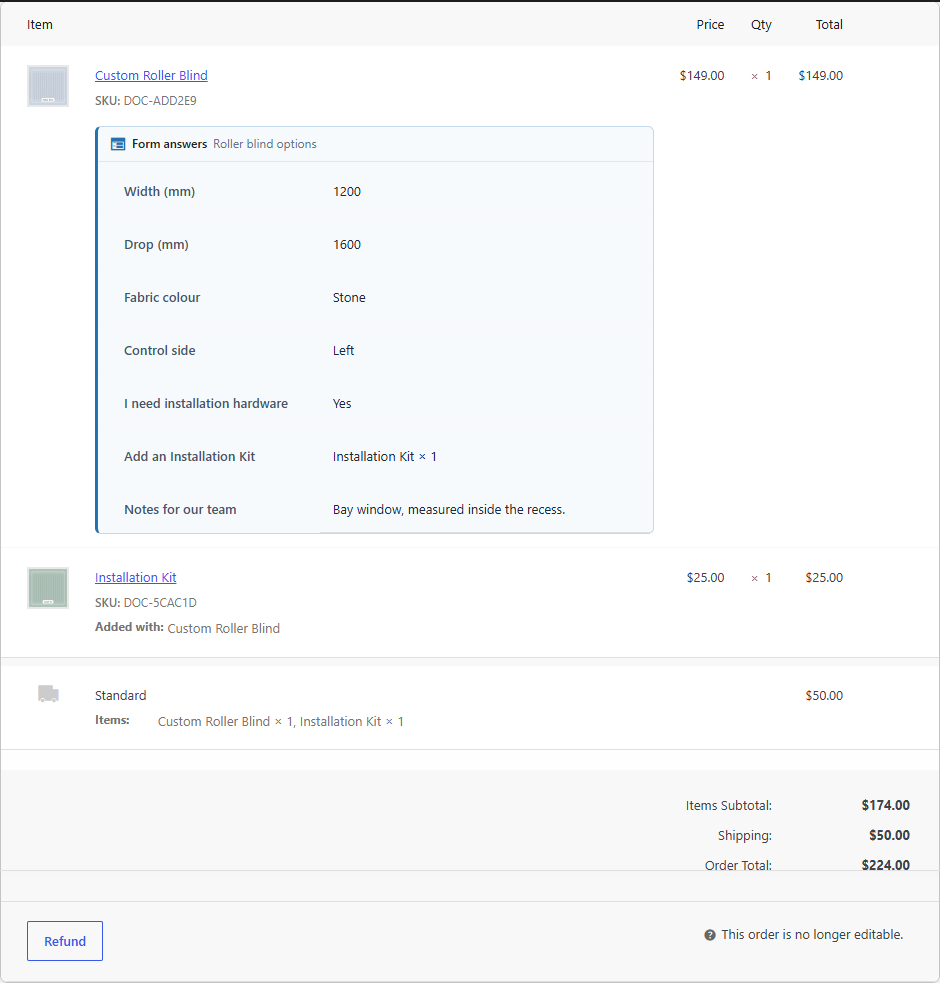
In WooCommerce › Orders, open an order. Each configured item shows a highlighted Form answers block with the form name and every answer.
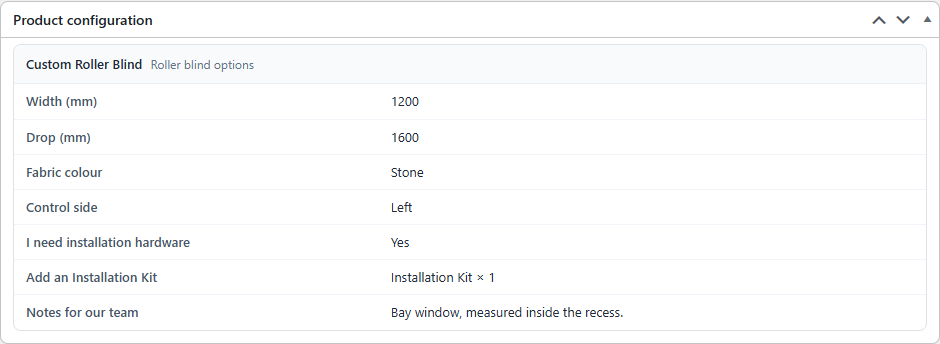
The Product configuration box on the same screen collects the answers of all items in one place. Orders without a form show "No product configuration was submitted for this order."
The orders list
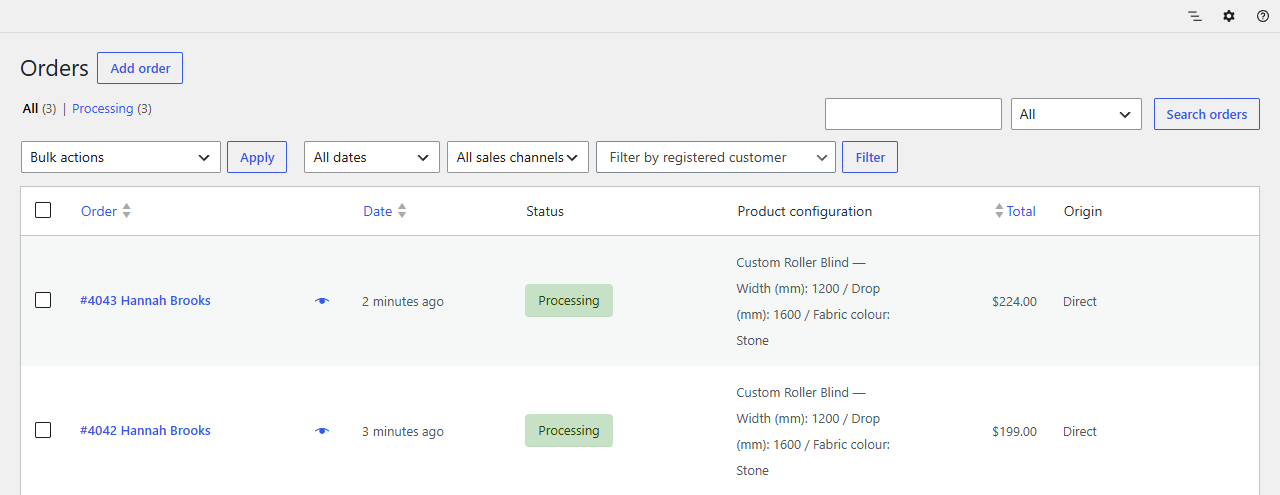
The orders list gains a Product configuration column that summarises the answers, so you can scan orders without opening them.
Answers are a snapshot. Each order keeps the form name and answers as they were at checkout. Editing or deleting the form later does not change existing orders.