Settings
Settings controls defaults for every form. Individual forms and fields can override them.
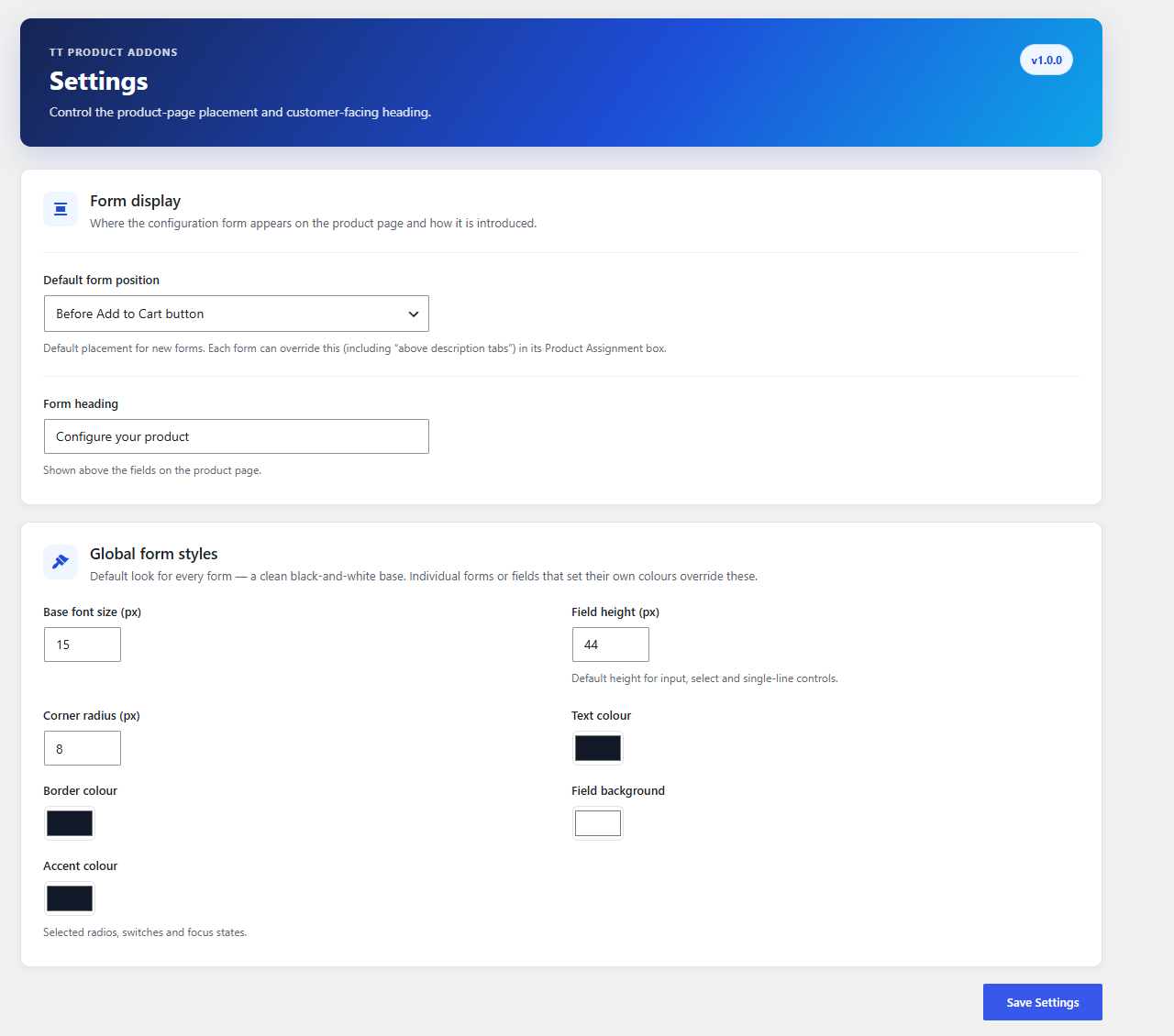
Form display
| Setting | Meaning |
|---|---|
| Default form position | Before Add to Cart button or After Add to Cart button. The default for new forms; each form can override it, including "above description tabs". |
| Form heading | Shown above the fields on the product page. Default: "Configure your product". |
Global form styles
The default look for every form, a clean black-and-white base:
- Base font size (px) and Field height (px) for inputs, dropdowns and single-line controls.
- Corner radius (px).
- Text colour, Border colour and Field background.
- Accent colour for selected radios, switches and focus states.
Click Save Settings. Colours set on a form or field take priority.