What restricted users see
A restricted user simply sees a shorter admin menu and toolbar. If they follow a saved link to a blocked screen, they see your message instead.
A shorter menu
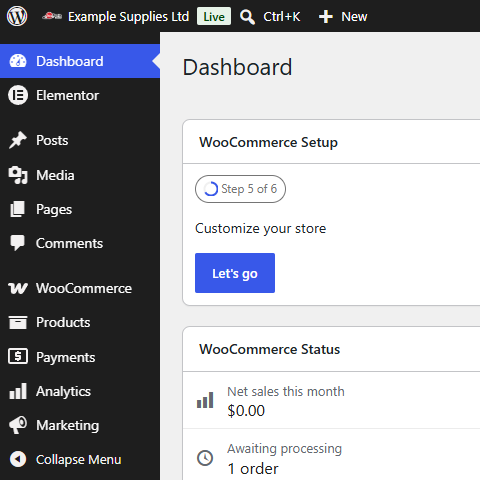
Restricted menus and sub-pages are removed from the user's admin menu, and restricted items are removed from their toolbar. Other users are not affected.
Blocked screens
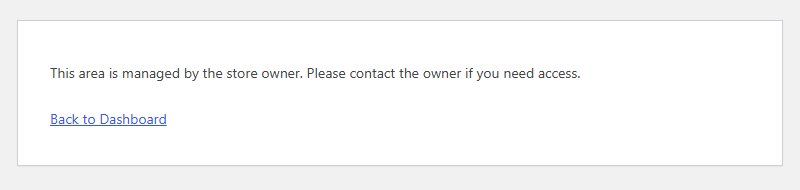
Opening a restricted screen by its address, a bookmark or a link from another page shows an access denied page with your message and a Back to Dashboard link (or Go to TT Permission Control when the Dashboard itself is restricted). The page is sent with the HTTP status 403 (Forbidden).
On the Plugins screen
If a restricted user can open the Plugins screen, the Deactivate and Delete links of TT Permission Control are hidden, and attempts to deactivate it are refused with the message "You cannot deactivate or delete TT Permission Control."