Settings
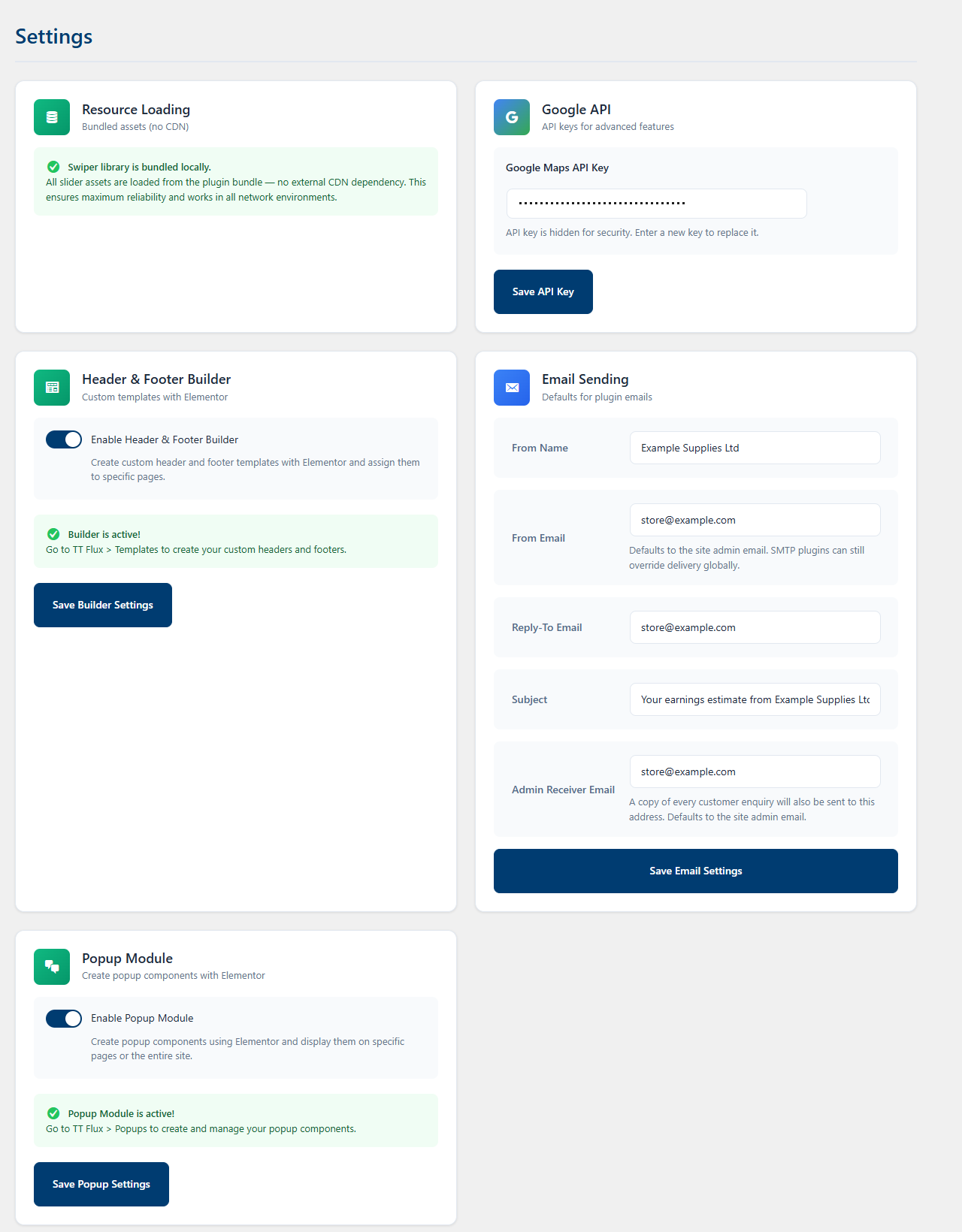
Settings holds the few options that apply across widgets. Each card has its own save button.
Resource Loading
Information only: the slider library is bundled with the plugin, so sliders work without an external CDN.
Google API
Enter your Google Maps API Key and click Save API Key. It is needed by TT Map and by address autocomplete in TT Earnings Estimator. After saving, the key is hidden; type a new key to replace it.
In the Google Cloud console, enable the Maps JavaScript API (and the Places API for address autocomplete) and restrict the key to your site's address.
Header & Footer Builder Basic
Turn on Enable Header & Footer Builder and click Save Builder Settings to use your own header and footer templates.
Email Sending
Defaults for emails sent by the plugin, such as TT Earnings Estimator enquiries:
| Field | Meaning |
|---|---|
| From Name | Sender name shown to the recipient. |
| From Email | Sender address. Defaults to the site admin email. An SMTP plugin can still override delivery for the whole site. |
| Reply-To Email | Where replies go. |
| Subject | Email subject line. |
| Admin Receiver Email | Receives a copy of every customer enquiry. Defaults to the site admin email. |
Popup Module Basic
Turn on Enable Popup Module and click Save Popup Settings to create popups.
On the Free plan the Header & Footer and Popup cards are greyed out; their switches show the saved value but cannot be changed.
Changelog
The last card lists what changed in each version. Pick a version from the selector to read its notes.