Conversations Advanced
Conversations keeps business correspondence inside your store: private threads between a customer and your staff, with email notifications on both sides.
Conversation types
Each conversation is an Inquiry, a Message or a Quote request. Filter by type in the inbox.
For your staff
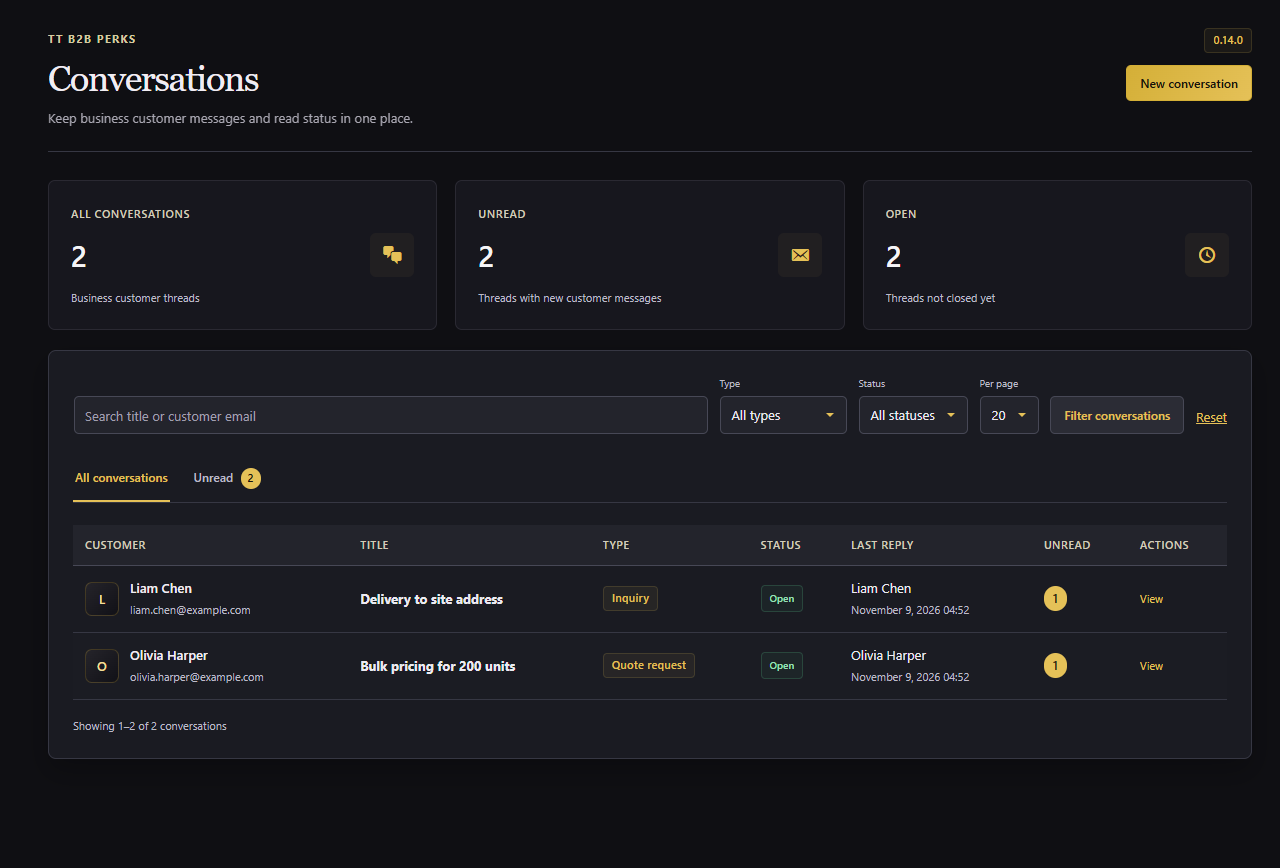
TT B2B Perks › Conversations is the store inbox:
- statistics, filters by type and status, and an unread view;
- a Last reply column showing who answered last;
- New conversation to start a thread with a customer;
- select a row to read and reply, and close or reopen a thread.
The menu shows a badge with the number of unread conversations. Read state is shared by all staff.
For customers
Group members find My Account › Conversations, with their own threads, a New Conversation panel and a reply box. Customers can close and reopen their threads. A store manager who is also in a Group sees only their own customer threads in My Account; the store side stays in wp-admin.
Emails
Two WooCommerce emails are added and enabled by default: a new message to the merchant, and a reply to the customer. Manage them under WooCommerce › Settings › Emails.
Plans
Starting new conversations needs the Advanced plan. If the license lapses, existing conversations can still be answered.